
WaaguanPay
MoMo payments for every working business
No business cert theatre. No “we don’t accept your business.” Other platforms lock you out — we let you take payment.
Tired of payment platforms that reject you?
We built Waaguan for businesses that just need to get paid — without the gatekeeping.
No KYC theatre
Open an account and start. We trust working businesses.
Every business welcome
Small stall or growing shop — we don’t turn you away for paperwork.
Share a pay link
Send a link. Your customer pays with MoMo. You see when it’s done.
Built for your shop or site
Start with links today. Connect your website later when you’re ready.
From signup to paid in three steps
Simple for you. Familiar MoMo for your customers.
01
Create your merchant account
Sign up, name your business, and you’re in — no rejection maze.
02
Send your customer to pay
Share a payment link, open our checkout page, or show it on your own website.
03
Get paid and deliver
They pay with MoMo. You’re notified when it clears — then fulfill with confidence.
Accept MoMo your way
Start with a simple link. Add checkout on your website whenever you’re ready.
Payment links
No code. Make a link in your dashboard and send it on WhatsApp or an invoice.
See detailsCheckout page
Send customers to a secure Waaguan pay page with the amount and MoMo details.
See detailsPay on your website
Keep shoppers on your site — checkout opens in a clean modal over your page.
See detailsAutomatic updates
Get notified the moment a payment succeeds so you can deliver without guessing.
See details
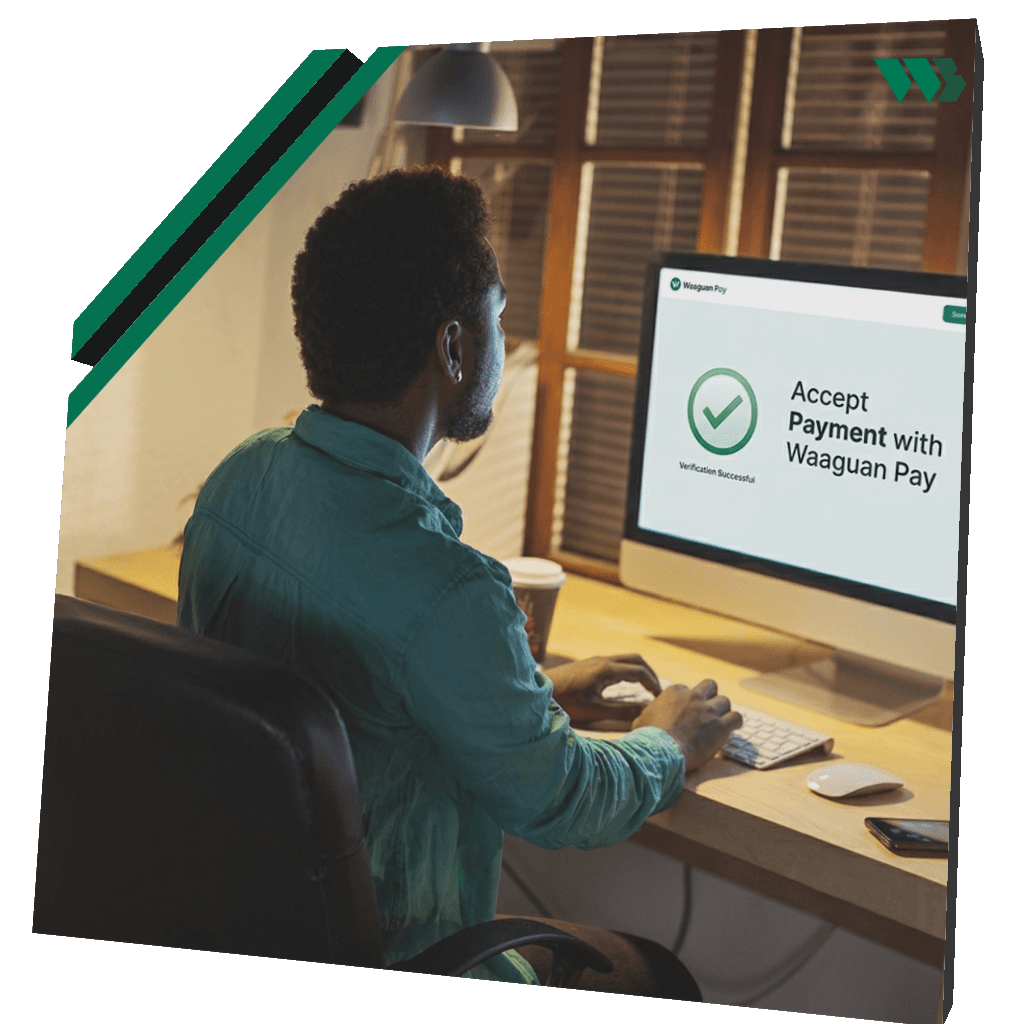
If Paystack or Hubtel has rejected you, we’re here to work with you.
Ever spent months and real money building a project, only to get locked out as “high risk”? That’s exactly why Waaguan exists — for the abandoned hopes, and for builders who still need to get paid.
No. Create a merchant account and you can start accepting MoMo. We built Waaguan for working businesses that other platforms turn away.
You send them a payment link, or open our checkout page (or on your own website). They pay the MoMo number and amount shown — the usual way they already know.
Not at all. Create payment links from your dashboard for WhatsApp, invoices, or social posts. If you build an app later, our docs cover the developer path.
Yes. Checkout can open in a modal on your site so shoppers never leave your page to pay.
You’ll get a clear confirmation when MoMo payment goes through — on the checkout page, in your dashboard, and to your server if you’ve connected notifications.
No. Email is optional. If you know the name on their MoMo account, that’s helpful — and they should pay the exact amount shown.
Ready when you are
No KYC. No rejection theatre. Create your merchant account and accept MoMo.